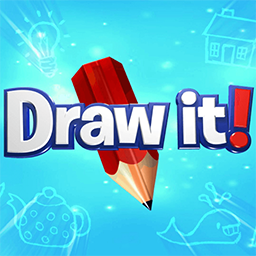
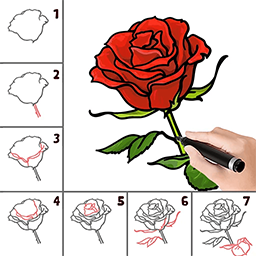
Learn To Draw Color By Steps is a drawing game designed to help players improve their artistic skills through a structured, step-by-step approach. Overall, Learn To Draw Color By Steps is an educational and entertaining game that makes drawing and coloring accessible and enjoyable for players of all ages.
Key features:
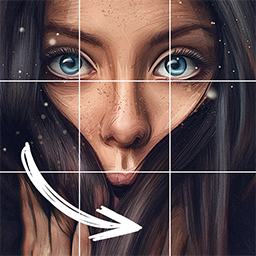
Guided Drawing Steps: Detailed, easy-to-follow instructions that break down the drawing process into simple steps, making it easier for players to create accurate and pleasing artwork.
Variety of Drawings: A wide selection of images to draw, ranging from simple objects to more complex scenes and characters, allowing players to practice different styles and techniques.
Coloring Options: A palette of colors for players to use in their artwork, with options to choose specific colors or follow suggested color schemes.
Interactive Tools: Features such as undo/redo, zoom, and various brush sizes to help refine and enhance drawings.
Progress Tracking: The ability to save and review completed drawings, which helps players track their improvement over time.
Hints and Tips: Built-in hints or tips to assist players if they get stuck or need guidance on specific drawing techniques.
Share and Export: Options to share finished artwork with friends or export it to other platforms or social media.
Characteristics:
Educational Focus: Emphasizes teaching drawing skills through a structured, step-by-step method.
User-Friendly Design: Features an intuitive interface that is easy to navigate for users of all ages, often with clear instructions and visual aids.
Progressive Learning: Guides players through increasingly complex drawings, allowing them to build skills gradually.
Variety of Images: Offers a diverse range of images to draw and color, catering to different skill levels and interests.
Coloring Tools: Provides a variety of coloring options, including a palette of colors and possibly tools like fill and gradient options.
Interactive Features: Includes tools for zooming, undoing mistakes, and adjusting brush sizes to refine the artwork.